How to use Zortyx step by step
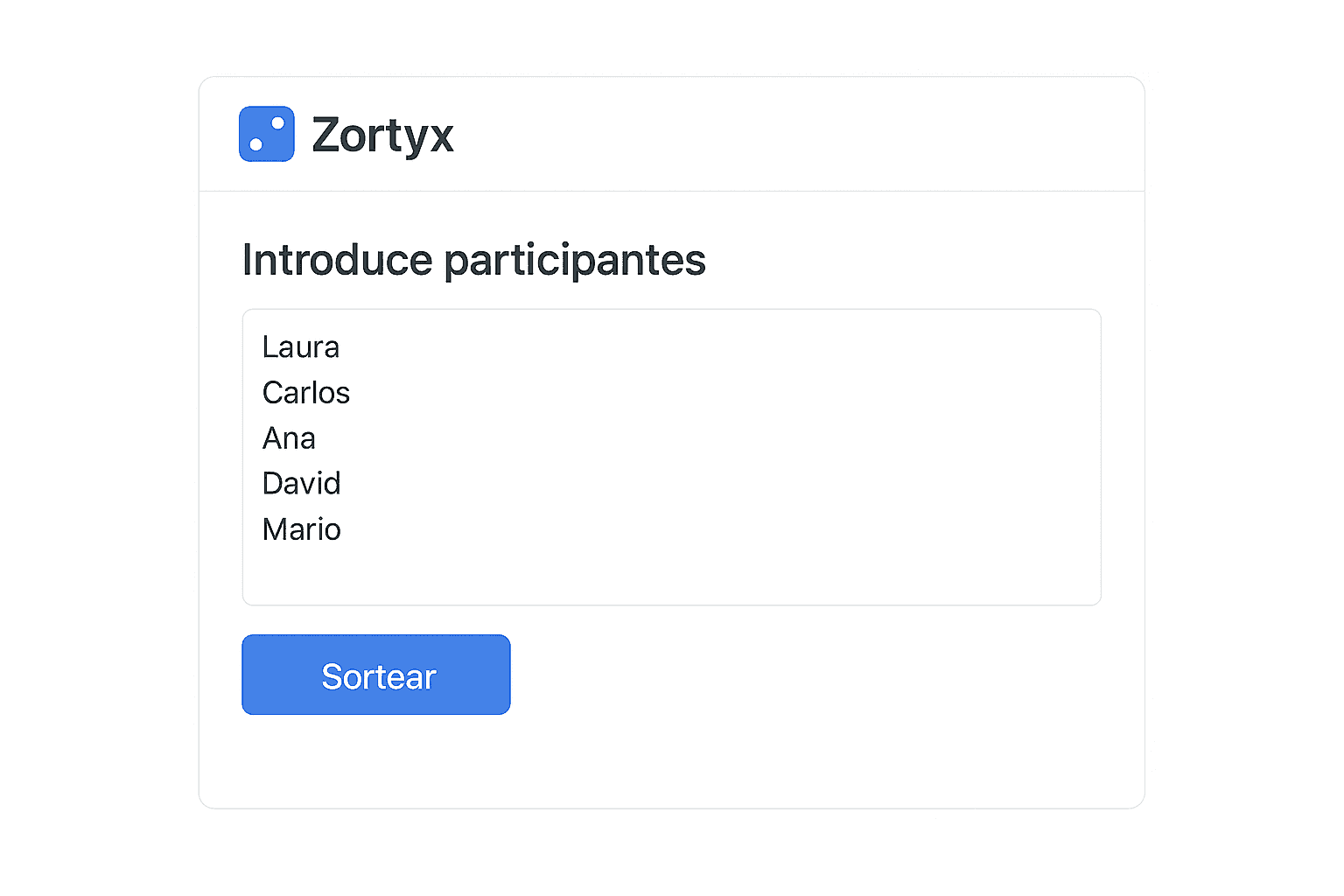
1. Add participants
Paste a list or type one by one in the main box.
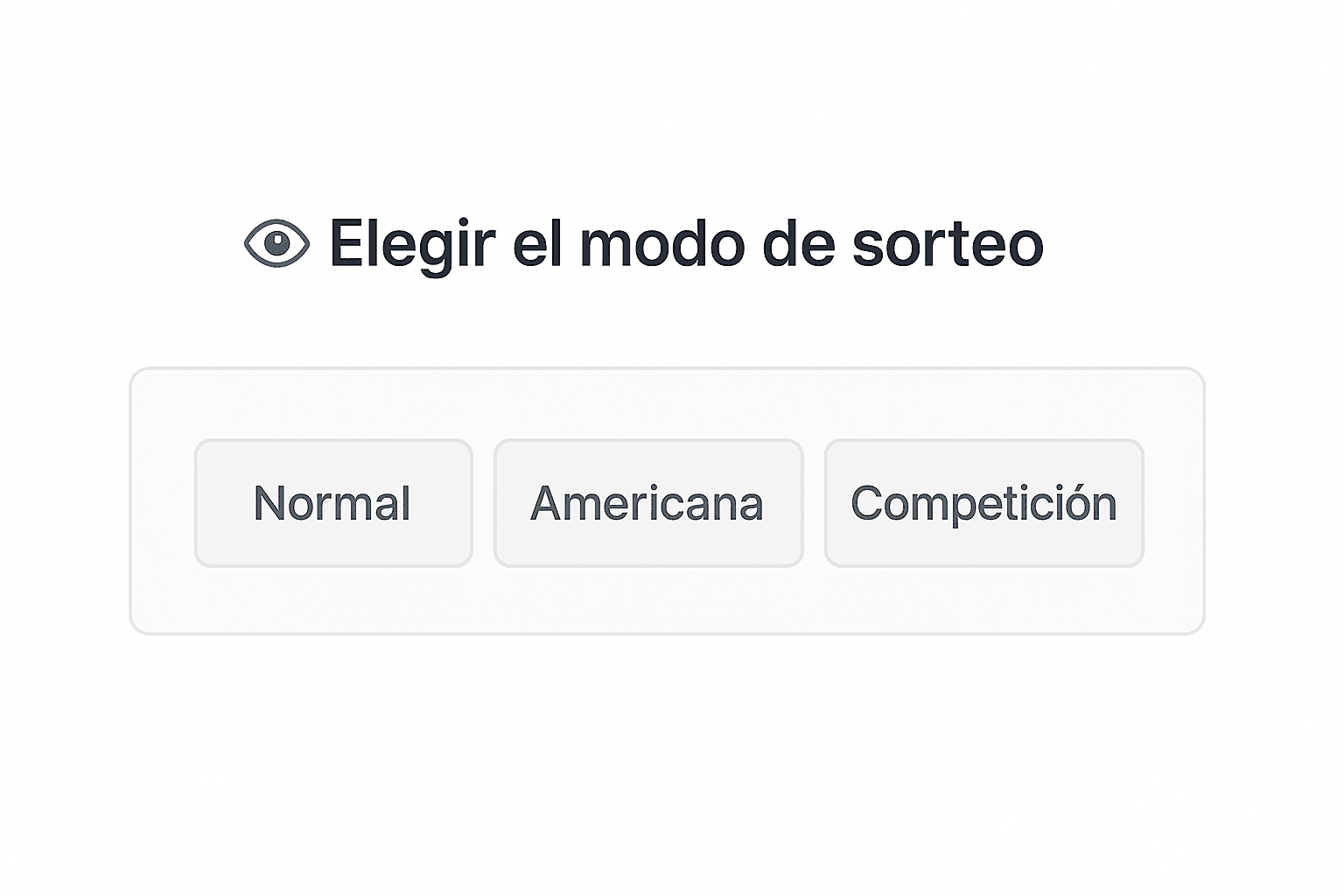
2. Choose the draw mode
- Normal: single winner.
- Round‑robin: everyone plays everyone, perfect for leagues.
- Tournament: knockout bracket (round of 16, quarter‑finals, semi‑finals...).
3. Customise appearance
Enable dark mode, change language or tweak colours from Options ▶︎ Appearance.
4. Share or export results
After generating, click Share or export to Excel.
Frequently asked questions
How many names can I enter?
Up to 500 per draw.
Can I save a draw for later?
Yes, click Save and keep the unique link.
Need more help? Visit the FAQ or write from the contact page.